

Key takeaways
- A dental service page should target one procedure per page (general practices typically need 8 to 15 total) because combining multiple procedures on a single page splits Google's ranking signal and can result in thin content that fails to compete for high-intent queries like "dental implants in [city]."
- Every dental service page should follow a nine-section structure (H1 with procedure and city, intro, benefits, candidacy, process, cost and financing, before/after photos, FAQ with FAQPage schema, and a final CTA) with core competitive pages like implants and Invisalign running 800 to 1,500 words to satisfy Google's transactional intent requirements.
- Transparent pricing is a conversion requirement, not optional, because patients searching with cost intent will leave pages that hide fees. Showing ranges or "starting at" prices paired with monthly financing options (such as CareCredit) removes the friction that prevents high-ticket procedure bookings.
What Does Service Page SEO for Dentists Actually Do for Your Practice?
Service page SEO for dentists is how your practice gets found by patients who are already searching for the exact procedure they need (not just “a dentist nearby,” but “dental implants in [your city]” or “emergency tooth extraction near me”).
When those pages rank, they pull in dental patients who are ready to book, which changes the math on every new patient your site brings in.
Most dental websites have service pages.
Very few build their dental practice’s website with service pages designed to rank.
The difference comes down to how each page is structured, how it signals relevance to search engines, and whether it speaks directly to what a prospective patient is searching for at that specific moment.
That gap is where most dental practices lose ground to competitors who are investing in the right kind of optimization.
The Growth Saloon team works with dental clients on exactly this – building service pages that generate qualified new patient inquiries, not just sessions.
Use the sections below to learn how to master SEO for each component, or jump to the area where your current pages need the most attention.
What Is a Dental Service Page?
A dental service page anchors a dental practice’s online presence by targeting one procedure (like dental implants or Invisalign) with conversion-focused copy, on-page SEO, and schema markup designed to rank and book patients.
Ahrefs’ on-page SEO guide classifies service pages as a distinct page type with transactional intent and structural requirements that differ from both blog posts and home pages.
What is a dental service page in plain terms?
A dental service page is a dedicated page for one procedure such as emergency dental care, built to capture high-intent transactional queries (the searches patients run when they’re ready to book, not just research).
The procedures targeted on these pages align with the preventive and restorative service categories the CDC tracks under its oral health program.
Common examples include:
- Dental Implants
- Invisalign
- Emergency Dentist
- Teeth Whitening
- Veneers
- Root Canal
- Pediatric Dentistry
- Sedation Dentistry
- Cosmetic Dentistry
Service pages exist as a distinct page type because transactional intent demands different content from oral health blog posts (conversion-focused copy, direct CTAs, pricing, and social proof rather than educational narrative).
Why does the one-procedure-per-page rule matter?
Each service page must cover one procedure only, which keeps keyword optimization focused on a single query.
Combining multiple procedures on a single page risks thin content and splits the search rankings signal Google assigns per query.
Google’s duplicate-content guidance confirms one canonical page per topic is the safe default.
Key rules:
- One procedure per page, no exceptions for core services
- Treatment variants use a parent page with child pages
- Cannibalization occurs when two pages compete for the same keyword rankings on one procedure.
A general practice typically needs 8–15 service pages (specialty practices run 5–8).
How does a service page differ from a blog post or home page?
Three page types power a dental site, each with a different job:
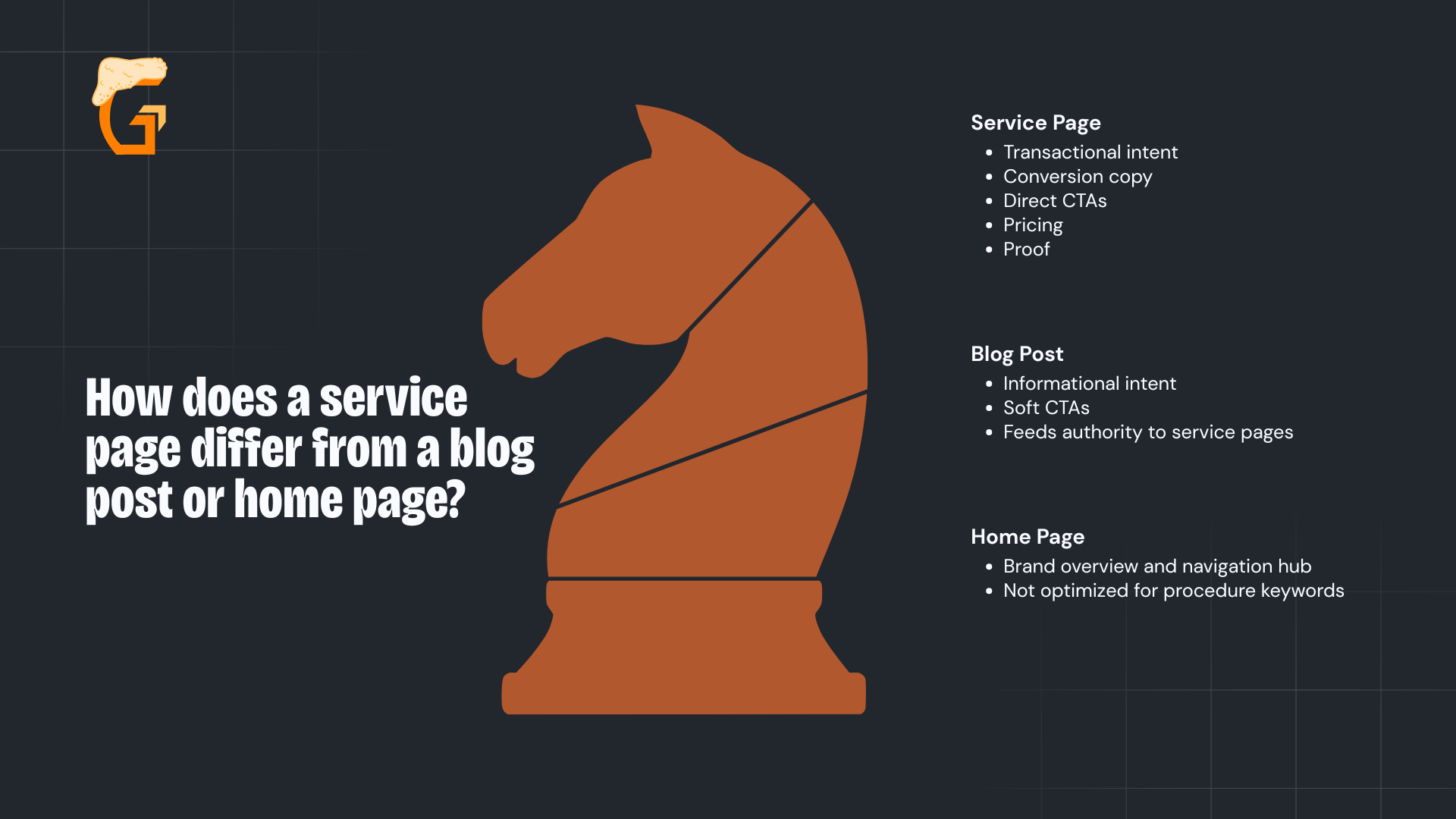
- Service page: Transactional intent, conversion copy, direct CTAs, pricing, proof
- Blog post: Informational intent, soft CTAs, feeds authority to service pages
- Home page: Brand overview and navigation hub, not optimized for procedure keywords
Unlike paid ads, blog posts link into service pages to build lasting authority.
The home page links to top services, while off page SEO builds the external authority. Service pages link to location pages and earn local backlinks for multi-location practices.
Where does a service page fit in dental site architecture?
Service pages, more than general SEO pages, are the conversion engine at the center of a dental site’s link architecture.
Ahrefs’ internal linking guide documents the pattern – service pages should be the destination for most internal links from home and blog content.
The key relationships:
- Home page → top service pages
- Blog posts → service pages (descriptive anchor text)
- Service pages → location pages
- Service pages and dental directories → related services.
Strong internal linking is the often-missed multiplier that lifts organic search results on every other SEO investment.
Growth Saloon helps a dental practice build the service page architecture that turns organic traffic into booked appointments – not just pageviews.
Contact our team today to learn how our dental SEO services can give every procedure its own ranking asset.
What Should a Dental Service Page Include?
A dental service page needs nine (9) sections to compete in search engine results:
- H1 with procedure + city;
- Intro + CTA;
- Benefits;
- Candidacy;
- Process;
- Cost + financing;
- Before/after;
- FAQ; and
- Final CTA.
According to Ahrefs’ on-page SEO guide, a complete service page addresses every stage from awareness to booking.
The anatomy applies to every procedure – depth scales with keyword competitiveness.
What is the nine-section canonical service page anatomy?

Every section is non-optional (it’s order and depth that converts, not just length of content).
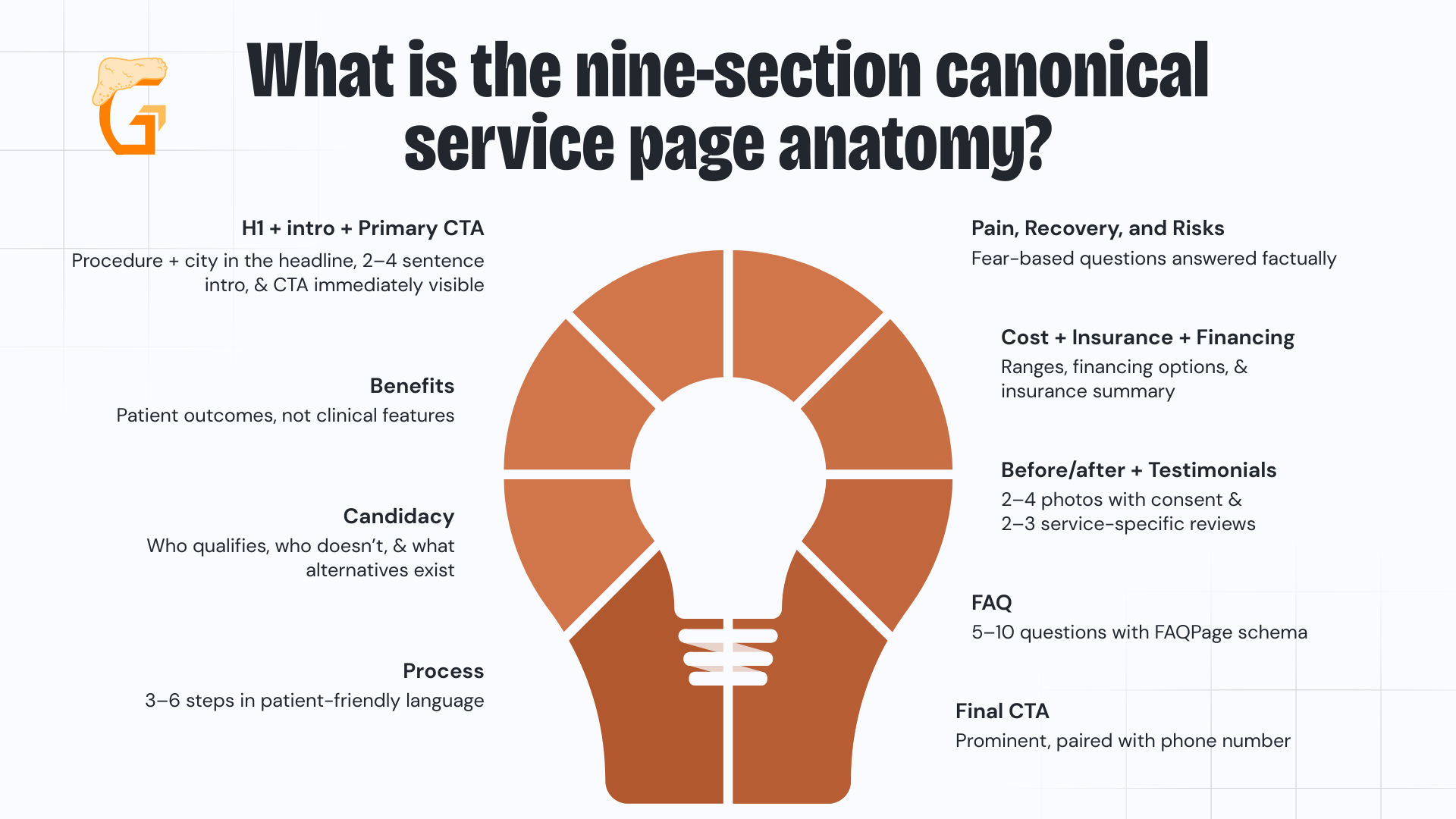
- H1 + intro + primary CTA: procedure + city in the headline, 2–4 sentence intro, CTA immediately visible
- Benefits: patient outcomes, not clinical features
- Candidacy: who qualifies, who doesn’t, what alternatives exist
- Process: 3–6 steps in patient-friendly language
- Pain, recovery, and risks: fear-based questions answered factually
- Cost + insurance + financing: ranges, financing options, insurance summary
- Before/after + testimonials: 2–4 photos with consent, 2–3 service-specific reviews
- FAQ: 5–10 questions with FAQPage schema
- Final CTA: prominent, paired with phone number
Skipping any section leaves a question unanswered for most dental patients (skipping cost produces bounces, skipping candidacy generates unqualified calls).
How do you write the H1, intro, and first CTA?
The above-the-fold trio is the highest-leverage block on the page.
Google’s title-link documentation requires unique, descriptive titles per page (no boilerplate shared across procedures).
- H1: Procedure + city, one per page (“Dental Implants in [City]”)
- Intro: 2–4 sentences on what the procedure is and who it’s for
- Primary CTA: Call Now or Book Online, visible without scrolling
- Trust snippet: Online reviews count + star rating below the CTA
On mobile, the tap-to-call phone number must be visible above the fold.
That single mobile optimization constraint eliminates the most common conversion failure on dental service pages.
What goes in the benefits, candidacy, and process sections?

Google’s Search Quality Rater Guidelines require pages to fully match user intent (this trio is how a service page satisfies transactional procedure queries).
Any benefit claim about a dental procedure should also be supported by reliable evidence, in line with the FTC’s health products compliance guidance for truthful, substantiated health-related advertising.
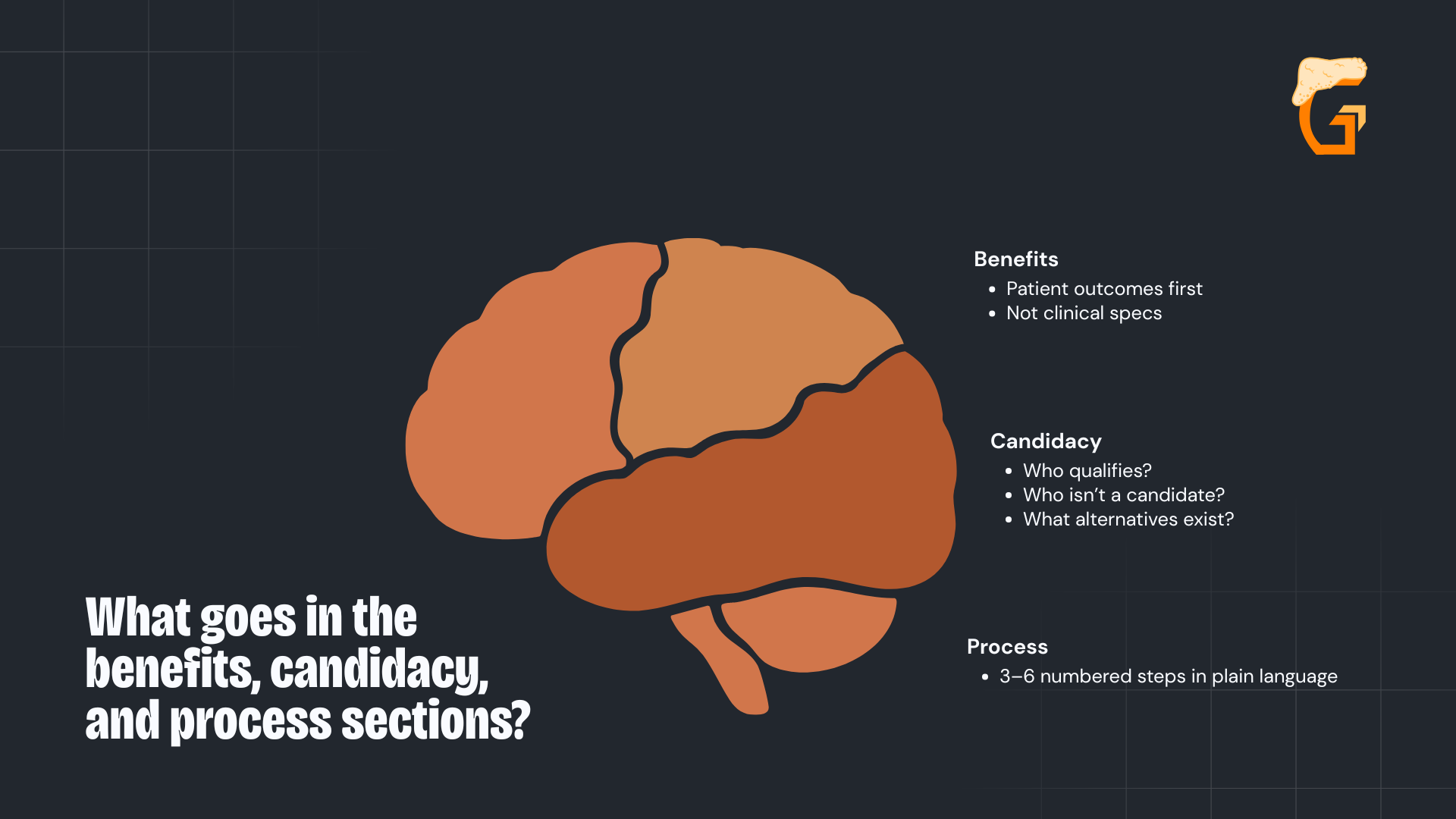
- Benefits: Patient outcomes first, not clinical specs
- Candidacy: Who qualifies, who isn’t a candidate, what alternatives exist
- Process: 3–6 numbered steps in plain language
Immediately after process, address pain, recovery, and risks.
Patients who find this on your page don’t need to find it elsewhere (and they won’t leave to look).
How do you cover cost, insurance, and financing?
Hiding prices on cost-intent queries produces bounces.
CareCredit’s dental financing program lets practices pair transparent cost ranges with monthly payment options (the combination removes sticker shock on high-ticket procedures).
- Show ranges or “starting at” prices
- Pair with financing options (CareCredit, Sunbit, in-house plans)
- Summarize insurance acceptance and link to a dedicated insurance page
- Cover cost in FAQ format: range + financing + CTA in one block
What about social proof, FAQ, and the final CTA?

BrightLocal’s consumer review research confirms service-specific testimonials with full name + city carry the most conversion weight of any on-page trust signal.
Before publishing any patient image or testimonial, follow HHS guidance on HIPAA’s marketing rule.
This requires written patient authorization before using protected health information (including before/after photos) for marketing purposes.
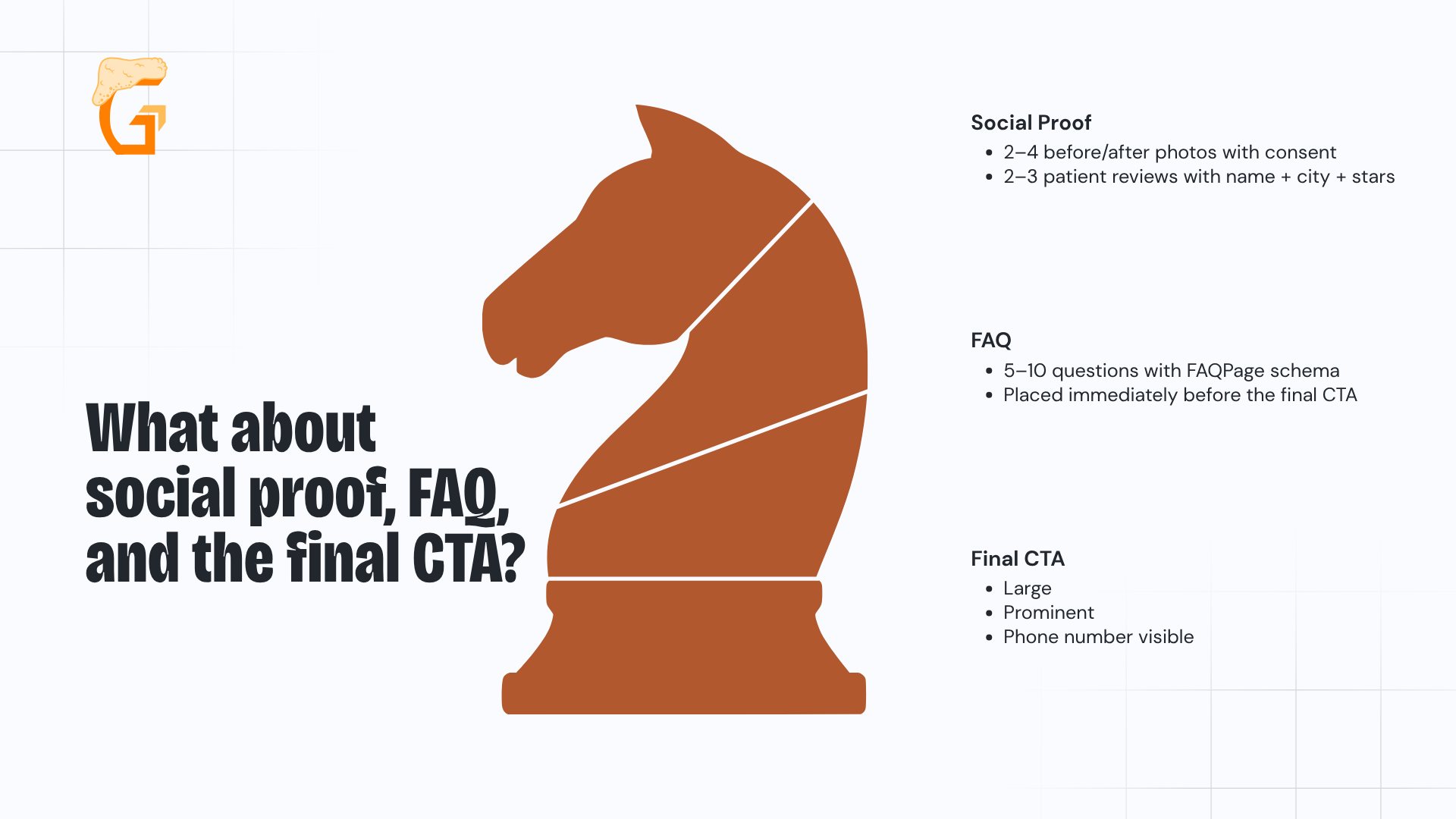
- Social proof: 2–4 before/after photos with consent, 2–3 patient reviews with name + city + stars
- FAQ: 5–10 questions with FAQPage schema, placed immediately before the final CTA
- Final CTA: Large, prominent, with phone number visible
Place FAQ directly before the final CTA (answer the patient’s last objection, then ask for the booking).
What does a dental implant service page look like end-to-end?
The implant page is the canonical worked example.
For clinical accuracy on the page itself, ground procedural and recovery language in authoritative sources like the National Institute of Dental and Craniofacial Research (the federal government’s lead agency for dental research).
Use Ahrefs’ Keywords Explorer to validate intent first, then build this heading structure:
- H1 “Dental Implants in [City]”
- H2 Benefits
- H2 Candidacy
- H2 Process
- H2 Recovery & Risks
- H2 Cost
- H2 Before & After
- H2 FAQs
- H2 Final CTA
This exact structure transfers across the dental industry to Invisalign, emergency, veneers, root canal, pediatric, and sedation (swap the procedure, keep the anatomy).
Growth Saloon builds dental service pages using this nine-section framework – so every procedure page on your site is structured to rank and convert.
Reach out today to see how our dental SEO strategy can turn your highest-value procedures into your top patient acquisition channels.
How Do You Write and Optimize a Dental Service Page?
Write a dental service page by:
- Leading with the patient benefit;
- Placing the primary keyword in title + H1 + first paragraph; and
- Weaving long-tail variants through H2s, FAQs, and image alt text.
Ahrefs’ on-page SEO framework covers each placement surface (title tags, H1, subheadings, body, URLs, and image alt text) as a checklist, not a density target.
What’s the title tag, meta description, and URL slug formula?

Title, meta, and URL are the SERP-level conversion trio that drives search visibility (the three elements a patient sees before clicking).
Google’s title-link documentation requires unique, accurate, non-stuffed titles per page.
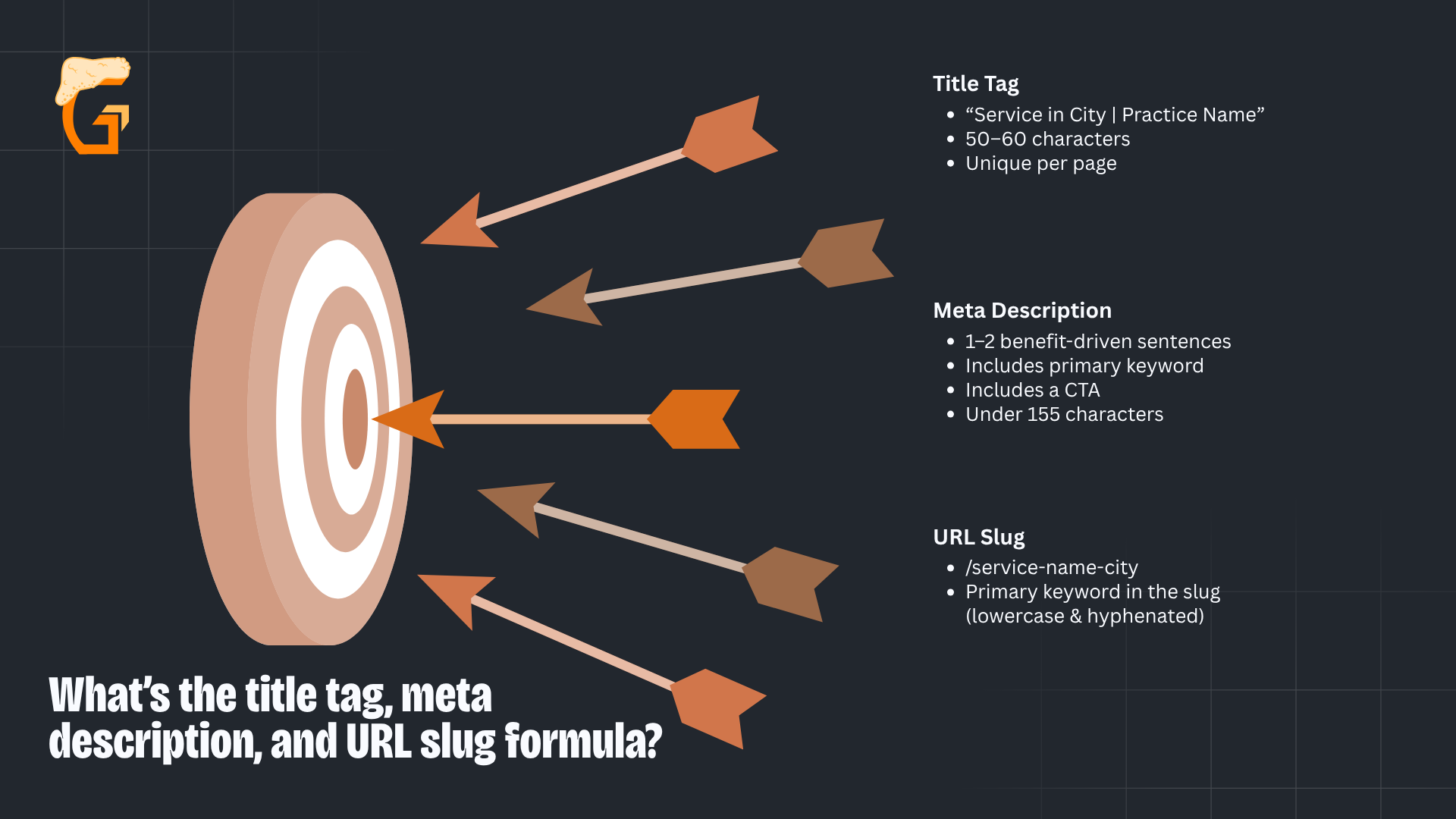
- Title tag:
- “Service in City | Practice Name”
- 50–60 characters
- Unique per page
- Meta description:
- 1–2 benefit-driven sentences + primary keyword + CTA
- Under 155 characters
- URL slug:
- /service-name-city
- Lowercase, hyphenated, primary keyword in the slug
Every service page needs a unique title, meta, and URL to keep SEO efforts from cannibalizing each other.
Swapping only the procedure name in a shared template doesn’t qualify.
Each page needs copy written for its specific query and intent.
Where should the primary keyword appear on the page?
Keyword placement (like most technical SEO) is a checklist, not a density calculation.
Ahrefs’ on-page SEO guide specifies the standard placement targets:
- Title tag, H1, first 100–150 words of body copy, URL slug
- 1–2 H2 headings, 1–2 image alt texts, meta description
Supporting variants (5–15 long-tail keywords per page) belong in body copy, H3s, FAQ answers, and internal link anchor text.
Natural placement in context, not forced repetition.
How do you optimize images on a dental service page?

Image optimization is a page-speed + accessibility + SEO win simultaneously.
Google’s image SEO documentation covers descriptive filenames, alt text, format, and layout stability requirements.
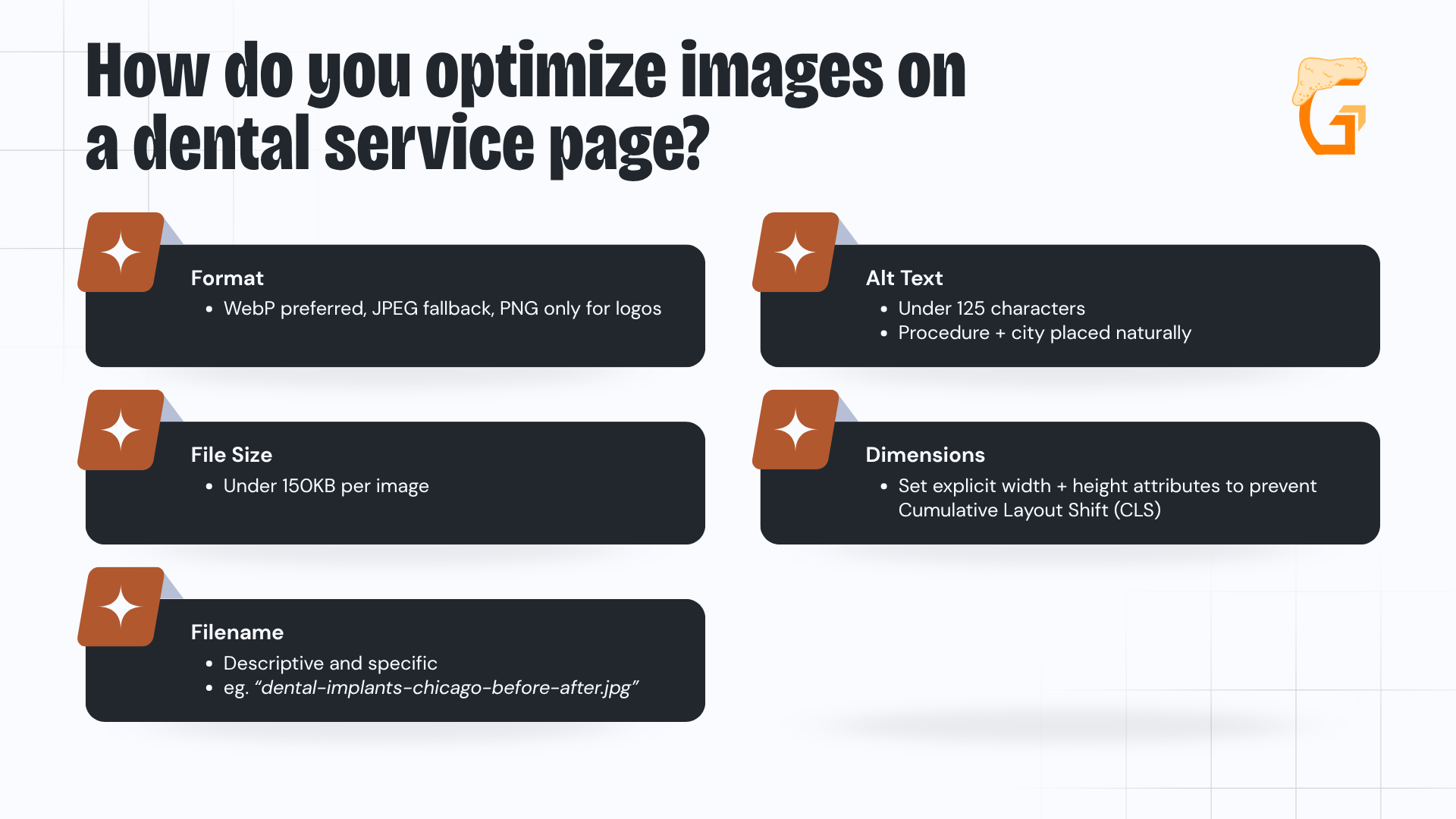
- Format: WebP preferred, JPEG fallback, PNG only for logos
- File size: Under 150KB per image
- Filename: Descriptive and specific (“dental-implants-chicago-before-after.jpg”)
- Alt text: Under 125 characters, procedure + city placed naturally
- Dimensions: Set explicit width + height attributes to prevent Cumulative Layout Shift (CLS)
Use real practice photos (exterior, reception, treatment rooms, team, before/after photos with patient consent, etc).
Stock photos convert at a fraction of the rate of authentic imagery.
What mobile UX requirements should a dental service page meet?
Mobile optimization is where most dental searches happen and where conversions live or die.
Google’s mobile-first indexing documentation confirms the mobile version is the primary indexing surface (service pages must work on mobile first, desktop second).
The Department of Justice’s ADA web accessibility guidance reinforces these mobile UX baselines as a legal compliance floor for healthcare practices, not just an SEO best practice.
- 44px+ tap targets for all buttons and links
- 16px+ body font size
- Above-fold CTA + tap-to-call phone visible without scrolling
- Short forms: name + phone + preferred time only
- No intrusive interstitials that block content on load
Test with Google PageSpeed Insights on the mobile setting, then confirm on a physical device (PageSpeed and real-device behavior don’t always match).
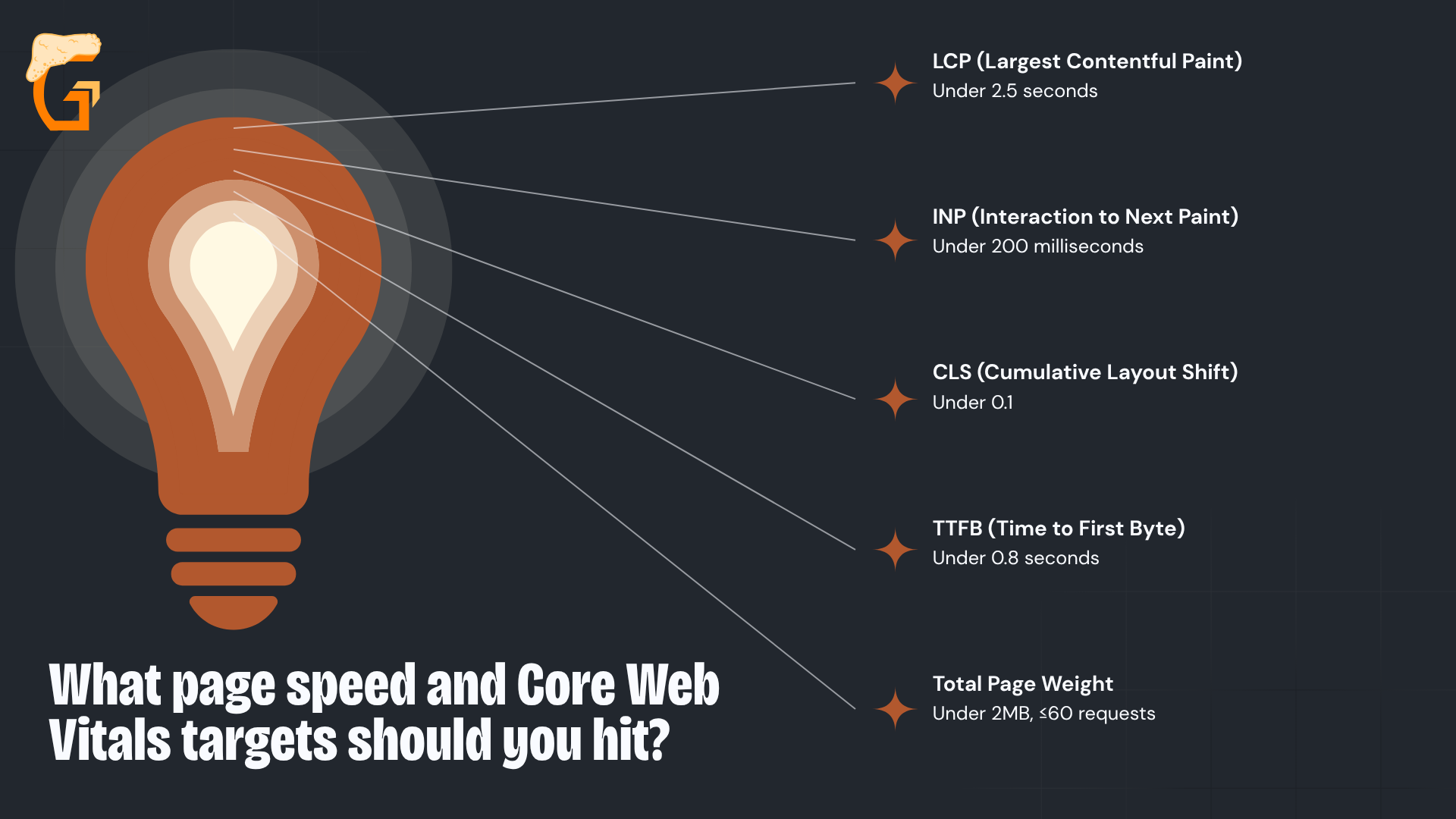
What page speed and Core Web Vitals targets should you hit?

Core Web Vitals are Google’s user-experience scoring system that directly affects rankings and online visibility.
web.dev‘s Core Web Vitals documentation defines the current “good” thresholds:
- LCP (Largest Contentful Paint): Under 2.5 seconds
- INP (Interaction to Next Paint): Under 200 milliseconds
- CLS (Cumulative Layout Shift): Under 0.1
- TTFB (Time to First Byte): Under 0.8 seconds
- Total page weight under 2MB, ≤60 requests
Common dental site speed killers:
- Heavy page builders;
- Uncompressed hero images;
- Third-party chat widgets; and
- Multiple tracking scripts loaded synchronously.
Even a perfectly written, optimized page misses its potential without schema markup (which the next section covers).
Growth Saloon pairs on-page SEO with speed optimization to make sure your dental service pages rank and load fast enough to convert.
Get in touch today to find out how our SEO services for dental service pages can close the gap between your current performance and page-one results.
How’s your SEO going?
Enter your website URL below to get a free comprehensive SEO audit.
The audit includes:
- A scan of your entire website for technical issues
- A list of your top opportunities to target immediately
- Your highest priority fixes to make
How Do You Add Schema Markup to a Dental Service Page?
Add Service schema for the page, FAQPage schema for the FAQ block, and site-wide LocalBusiness or Dentist schema (then link Service.provider to the LocalBusiness for entity unification).
Schema.org/Service defines the canonical properties for the page-level markup – the site-level entity anchor connects everything.
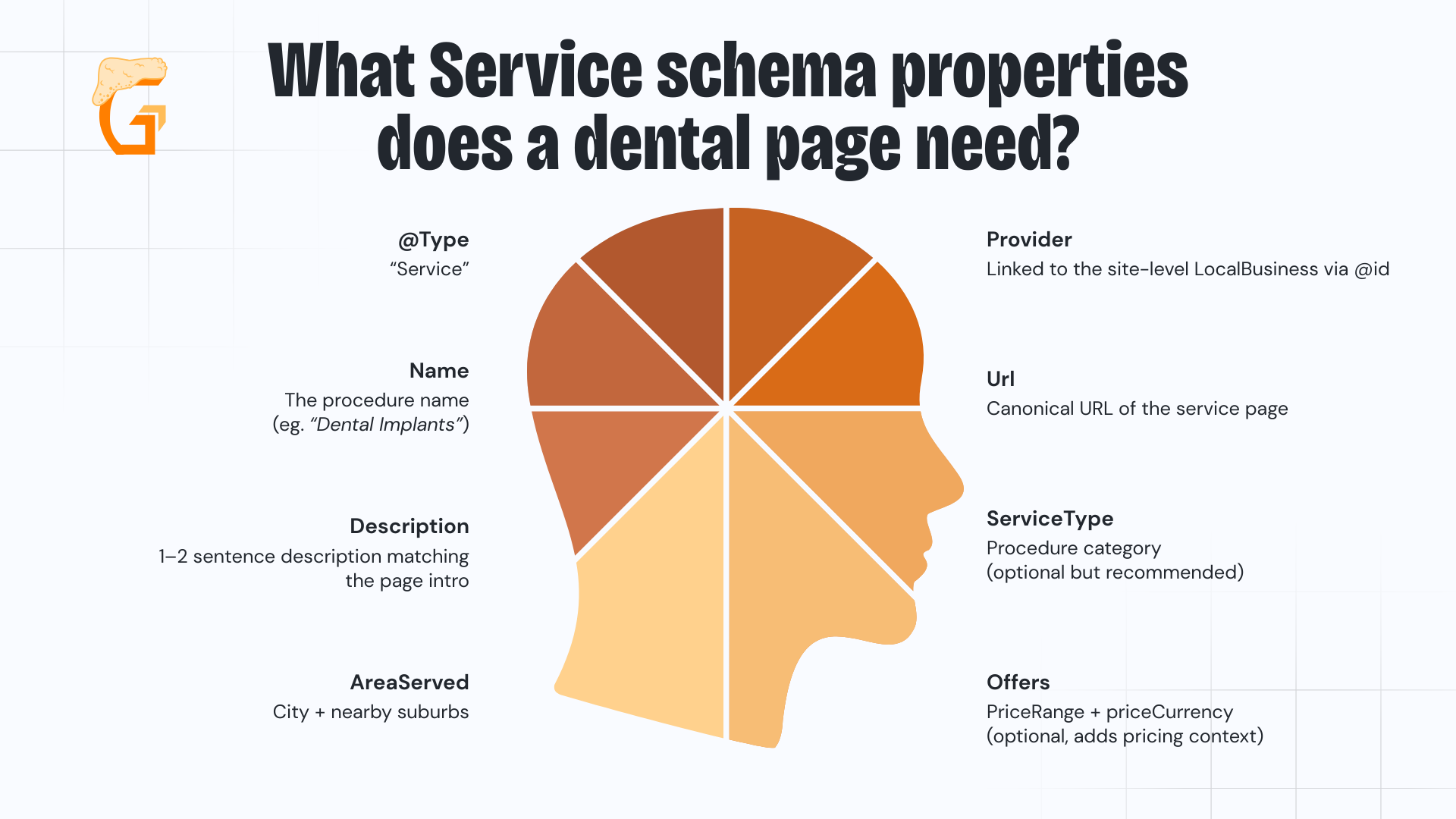
What Service schema properties does a dental page need?

Service schema is the most-cited structured-data type for service pages.
Schema.org/Service defines the properties a dental implementation needs:
- @type: “Service”
- name: The procedure name (“Dental Implants”)
- description: 1–2 sentence description matching the page intro
- areaServed: City + nearby suburbs
- provider: Linked to the site-level LocalBusiness via @id
- url: Canonical URL of the service page
- serviceType: Procedure category (optional but recommended)
- offers: priceRange + priceCurrency (optional, adds pricing context)
Nest the Service schema inside the page’s main schema graph and link provider to the site-level LocalBusiness @id.
That linkage produces entity unification across all service pages.
How do you implement FAQPage schema correctly?
FAQPage schema is the most accessible rich-result opportunity on dental service pages.
Google’s FAQPage structured-data documentation specifies the requirements:
- Each FAQ becomes a Question with an acceptedAnswer (type Answer)
- FAQ content must be visible on the page (hidden content is invalid)
- 5–10 FAQs per page is the practical range
- No duplicate FAQPage markup on other pages of the same site
Google reduced FAQ rich-result eligibility in 2023, but FAQPage schema still aids entity understanding in Google’s Search Generative Experience even when the visual rich result isn’t displayed.
How does site-level LocalBusiness schema link to Service schema?
The site-level schema is the entity anchor that all Service schema points back to.
Schema.org/Dentist is the preferred type (more specific than generic LocalBusiness and better understood by Google for dental practices).
- Place Dentist schema, including business hours, in the header or footer template (loads on every page)
- Include: NAP, opening hours, geo coordinates, sameAs links (Google Business Profile, Google Maps, Facebook, Healthgrades)
- Every service page’s Service.provider links back to this entity via @id
- One canonical LocalBusiness entity per site keeps your local listings consistent (no duplicates)
Use Dentist over generic LocalBusiness whenever applicable, since it strengthens how local citations map to your practice.
The subtype conveys the specific industry without additional markup.
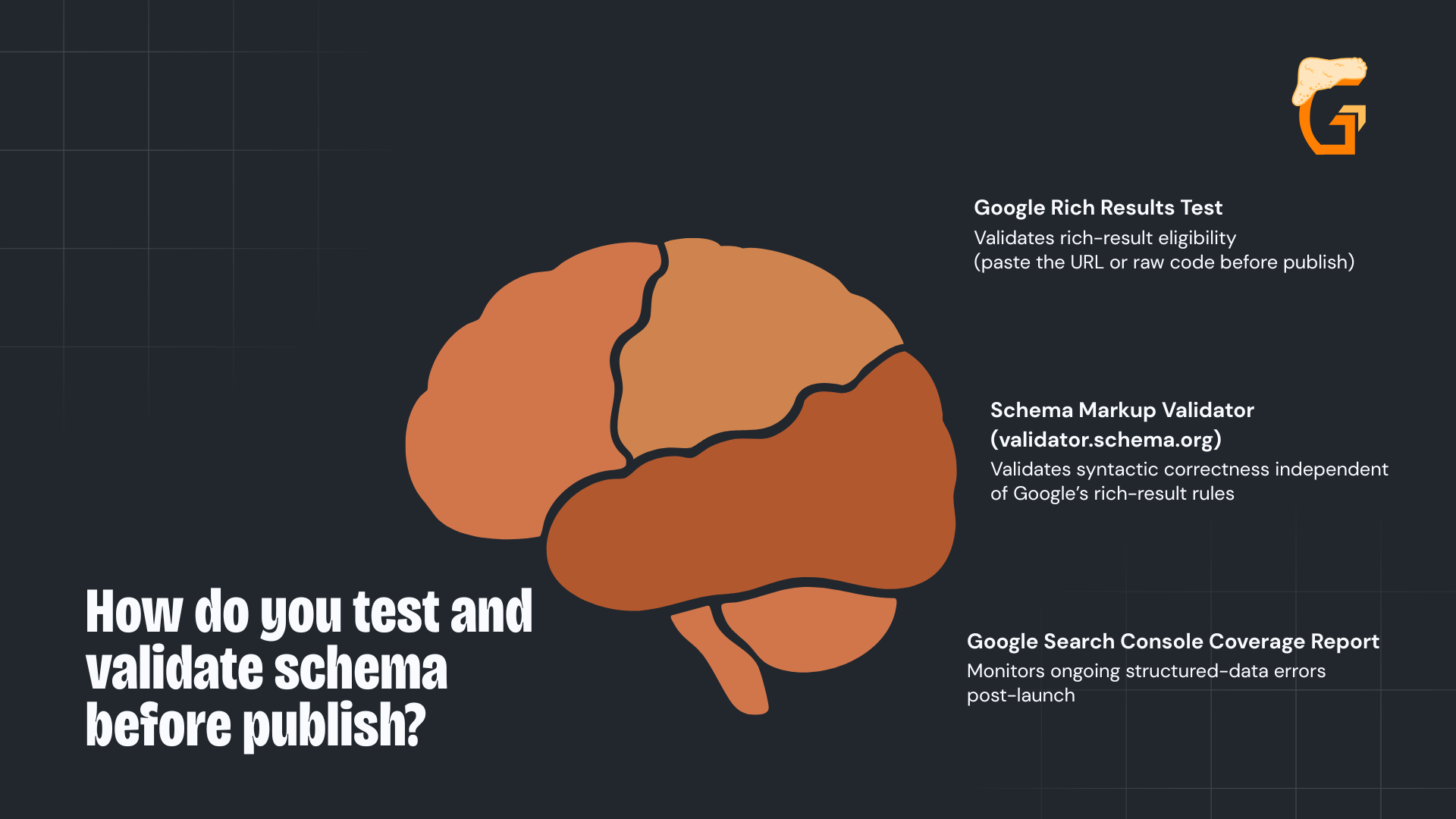
How do you test and validate schema before publish?

Schema testing is the gate between draft and publish (broken schema produces no rich results and wastes the implementation).
Two tools cover the validation:
- Google Rich Results Test: Validates rich-result eligibility (paste the URL or raw code before publish)
- Schema Markup Validator (validator.schema.org): Validates syntactic correctness independent of Google’s rich-result rules
- Google Search Console Coverage report: Monitors ongoing structured-data errors post-launch
Common mistakes that break schema:
- FAQ content not visible on the page
- Broken links in provider references
- Missing areaServed
- Missing provider linkage
- Duplicate FAQPage markup across multiple pages
Schema + on-page + content gets the page found (conversion is the final layer).
We know dental marketing inside and out.
Growth Saloon implements Service, FAQPage, and LocalBusiness schema across dental sites – so your structured data works as hard as your content.
Contact our team today to learn how our dental service page SEO and schema services can give your practice a competitive edge in search.
How Do You Make a Dental Service Page Convert?
Make dental service pages convert local patients with:
- Above-fold Call Now + Book Online CTAs;
- Before/after photos;
- Service-specific testimonials;
- Transparent pricing;
- Financing options; and
- Short forms.
BrightLocal’s consumer review research confirms the specific trust signals that close the gap between visitor and booked patient.
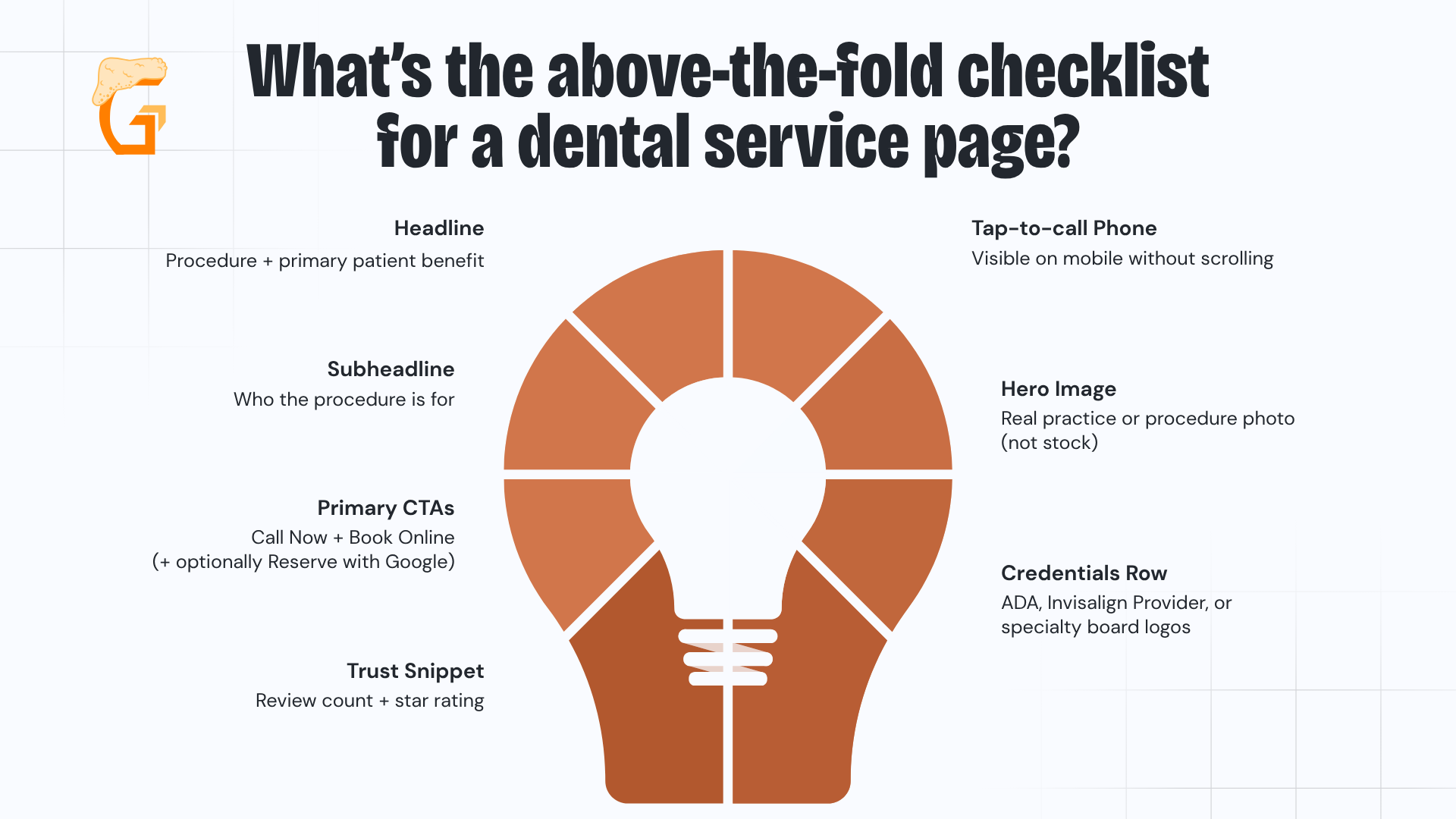
What’s the above-the-fold checklist for a dental service page?

Above the fold is the most valuable real estate on the page.
Seven elements belong here:
- Headline: Procedure + primary patient benefit
- Subheadline: Who the procedure is for
- Primary CTAs: Call Now + Book Online (+ optionally Reserve with Google)
- Trust snippet: Review count + star rating
- Tap-to-call phone: Visible on mobile without scrolling
- Hero image: Real practice or procedure photo, not stock
- Credentials row: ADA, Invisalign Provider, or specialty board logos
On mobile, the CTA and phone number must be visible without any scrolling (most dental service page conversion failures trace back to a buried phone number).
How should you write and place CTAs across the page?
Ahrefs’ on-page SEO checklist documents that action + benefit wording consistently outperforms generic alternatives (eg. “Schedule My Implant Consultation” beats “Learn More” or “Contact Us”).
- Placement: Above fold + after key content blocks + bottom of page
- Design: Consistent button style across all service pages
- Constraint: One primary CTA per section (competing CTAs cause decision paralysis)
The most common CTA failures are vague copy buried in the footer and too many options competing in the same viewport.
Which trust signals belong on a dental service page?

BrightLocal’s review survey identifies the trust-signal stack that converts healthcare visitors:
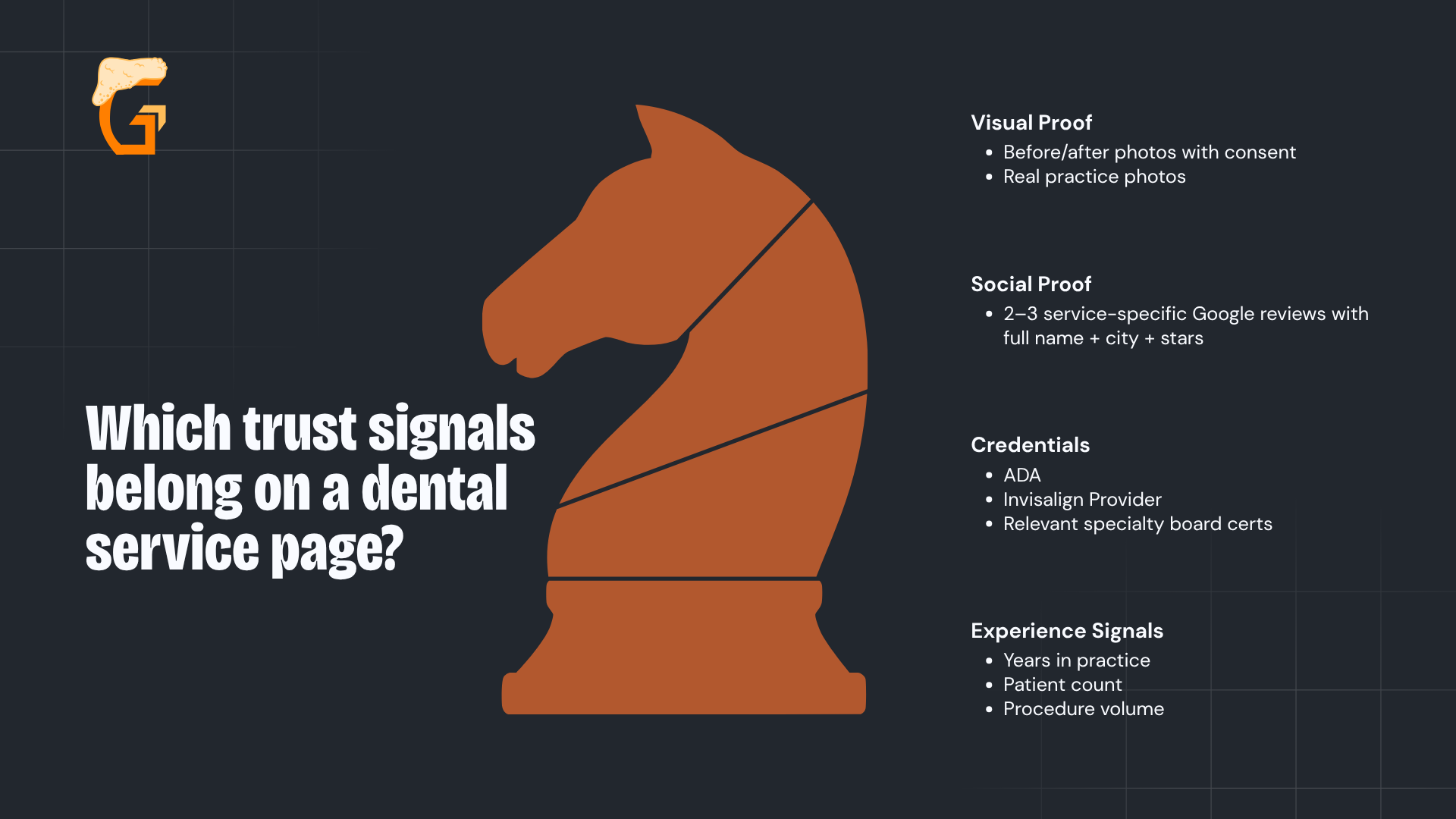
- Visual proof: Before/after photos with consent, real practice photos
- Social proof: 2–3 service-specific Google reviews with full name + city + stars
- Credentials: ADA, Invisalign Provider, relevant specialty board certs
- Experience signals: Years in practice, patient count, procedure volume
Always pair trust signals with CTAs so proof and action share the same viewport.
How do you handle pricing transparency and financing?
CareCredit’s dental financing program lets practices pair cost ranges with monthly payment options (removing the sticker shock that kills high-ticket procedure conversions).
- Show ranges or “starting at” prices (hiding them produces bounces)
- Pair every price: “Most patients pay $X/month with 0% financing”
- Summarize insurance acceptance and link to the insurance page
- Cover cost in FAQ format: range + financing + insurance + CTA
What are the top conversion mistakes (and how do you A/B test fixes)?
Ahrefs’ on-page SEO checklist supports disciplined A/B testing (one variable, 2–4 week minimum, roll the winner or revert).
Top 10 mistakes to test against:
- Weak/buried CTAs
- Too many competing CTAs
- Dentist-centric copy
- No social proof
- No pricing
- Long forms
- Poor mobile UX
- Intrusive popups
- Inconsistent CTA design
- No baseline before changes
Set a baseline conversion rate (conversions / service-page visitors) before touching anything.
Growth Saloon audits and rebuilds dental service pages using this conversion framework – from above-fold layout to trust signals and A/B testing.
Talk to our team today to see how a dental service page audit can uncover the conversion gaps inside your dental marketing that are costing your practice new patients.
How Can Growth Saloon Help Your Dental Practice Grow?
Growth Saloon is a Chicago-based dental SEO company built to help dental practices attract more patients and grow their practice through performance-driven digital marketing.
Mike Lowe and the Growth Saloon team are dental SEO experts who also specialize in web design, conversion rate optimization, and marketing attribution – working alongside your practice to build a measurable digital presence that generates qualified patient inquiries, not just website traffic.
From earning high-intent local search rankings to converting site visitors into booked appointments, Growth Saloon focuses on results at every stage of the patient acquisition funnel.
Practice owners and marketing managers get clear visibility through Google Analytics into exactly which channels are driving new patient growth.
We know that every open appointment slot has a real cost.
Every decision we make is built around one outcome – helping your practice fill more of them.
Meet the Founder of Growth Saloon
Meet the founder and lead strategist at Growth Saloon – Mike Lowe:
- As founder and CEO of Growth Saloon, Mike brings years of hands-on experience in SEO strategy, CRO, web design, and marketing attribution for service-based businesses competing in local and regional markets.
- Based in Chicago and working with practices across the country, Mike has built and managed digital growth campaigns for businesses competing in some of the most contested search markets in the country.
- Growth Saloon’s data-driven local SEO strategy and patient acquisition approach helps dental practices turn their websites into their highest-performing new patient channel.
What Does Working With Growth Saloon Look Like?
Growth Saloon operates as a dedicated extension of your marketing team for local SEO for dentists – not a vendor that disappears after onboarding.
Every engagement with the dental SEO agency includes direct access to Mike and the team, transparent reporting tied to actual patient acquisition outcomes, and strategies tailored to your specific services and local market.
Whether your local SEO focuses on ranking high-value procedures, improving your site’s appointment conversion rate, or getting clarity on where new patients come from, Growth Saloon builds the strategy and does the work.
Growth Saloon helps dental practices build the kind of digital presence that consistently generates qualified new patient inquiries – not just clicks.
Contact our team today to find out how our dental marketing services keep dental SEO cost efficient while lowering your cost per new patient.
How's your SEO going?
Get your free comprehensive SEO audit.
Enter your website URL below to get a free comprehensive SEO audit.
- Scan entire website for technical issues
- Get a list of your top opportunities
- See your highest priority fixes to make
-
One page per major service helps a local dentist rank for each (typically 8–15 for a general practice).
Common examples include:
- General dentistry
- Emergency dentist
- Dental implants
- Invisalign
- Veneers
- Teeth whitening
- Root canal
- Crowns
- Pediatric dentistry
- Sedation
Specialty practices may need fewer (eg. 5–8 pages).
Creating a page for every minor procedure creates thin content if done incorrectly.
Instead, it’s best to group small, low-volume services under a parent service page.
-
Yes, structurally (the nine-section anatomy applies to every dental service).
But content must be unique per page (different copy, different patient testimonials, different before/after photos, and different FAQs).
Identical templates with only the procedure name swapped trigger thin-content filtering and waste the distinct keyword opportunity each service page represents.
-
Yes, patients searching with cost intent will bounce if pricing is absent.
Show ranges or “starting at” prices and pair them immediately with financing options (“most patients pay $X/month with 0% financing”).
Even when exact cost varies by case, publishing ranges builds trust and reduces friction on the booking decision.
-
Length varies for dental service pages, but a couple good baselines are:
- 800–1,500 words for core competitive procedures (implants, Invisalign, veneers, root canal, emergency dentist, etc)
- 500–800 words for simpler services (cleaning, exam, x-rays, etc)
Word count is a coverage proxy, not a target.
You should write until benefits, candidacy, process, cost, and FAQ sections are fully addressed.
Length alone doesn’t determine rankings.
-
Not for the service itself.
You should maintain one canonical service page per procedure and pair it with separate location pages.
Each location page lists which services are available at that office.
Multi-location practices create one service page + one location page per office (the two pages link to each other for internal authority flow).
-
Major content refreshes should be done annually (do targeted content updates quarterly).
Add new testimonials from satisfied patients and before/after photos every quarter, update pricing ranges when fees change, and refresh the FAQ section with questions your front desk hears from new patients.
Search Console query performance data shows exactly which sections are underserving demand in local search results.
-
As a starting draft, yes (but never as final published copy).
AI tools produce plausible-sounding content that misses the local nuance of a specific dental clinic, hallucinates procedure pricing, and skips the trust signals that actually drive patient conversions.
Use AI for first drafts and FAQ expansion, then:
- Have a human writer or the dentist review every factual claim;
- Add real testimonials;
- Add authentic photos; and
- Add verifiable credentials before the page goes live.
Most agencies sell traffic. We sell actual growth. That’s the Growth Saloon difference.
Are you looking to grow?
Recent blogs
Enter your website URL below to get free comprehensive SEO audit.
- Scan entire website for technical issues
- Get a list of your top opportunities
- See your highest priority fixes to make