


Key takeaways
- Google measures site speed through three Core Web Vitals, and dental sites should target LCP under 2.5 seconds, INP under 200ms, and CLS below 0.1, with total mobile load under 3 seconds.
- Failing these is common, since only about 44% of WordPress mobile sites pass all three, and a page that takes over three seconds on mobile loses a meaningful share of patients before they book.
- The biggest win is usually image optimization, because compressing the oversized 2 to 4MB custom photography vendors deliver can cut file sizes 50 to 75% with no visible quality loss and fix the most common LCP bottleneck.
What Does Site Speed for Dental Websites Actually Cost Your Practice?
Site speed for dental websites is one of the few technical factors that has a direct, measurable line to new patient volume.
Not because it’s a ranking checkbox, but because a slow page loses patients before they ever reach your phone number.
Most dental practice owners assume their dental site is fine because it loads on their office desktop.
The problem is that the majority of “dentist near me” searches happen on mobile devices (often while patients are out).
A page that takes more than three seconds to load on mobile loses a meaningful share of those visitors before they engage at all.
The Growth Saloon team has spent plenty of time researching what works for dental practices, which means everything in this guide is built around what actually drives new patient acquisition (not abstract performance scores).
Slow sites don’t just rank below other dental professionals with faster pages.
They fail at the exact moment a potential patient is ready to book.
When that happens, the cost isn’t a lower Lighthouse score – it’s an empty appointment slot.
Growth Saloon helps dental practices build the kind of digital presence that consistently generates qualified new patient inquiries – not just clicks.
Contact our team today to find out how our dental marketing services can lower your cost per new patient and grow your practice.
Why Does Site Speed Matter for a Dental Website's SEO?
Dental website speed directly affects Core Web Vitals scores, patient bounce rates, and Google rankings (especially on mobile, where most dental searches originate).
Site speed for dental websites is not one of many optimization tactics.
It is the technical foundation that every other SEO improvement sits on top of.
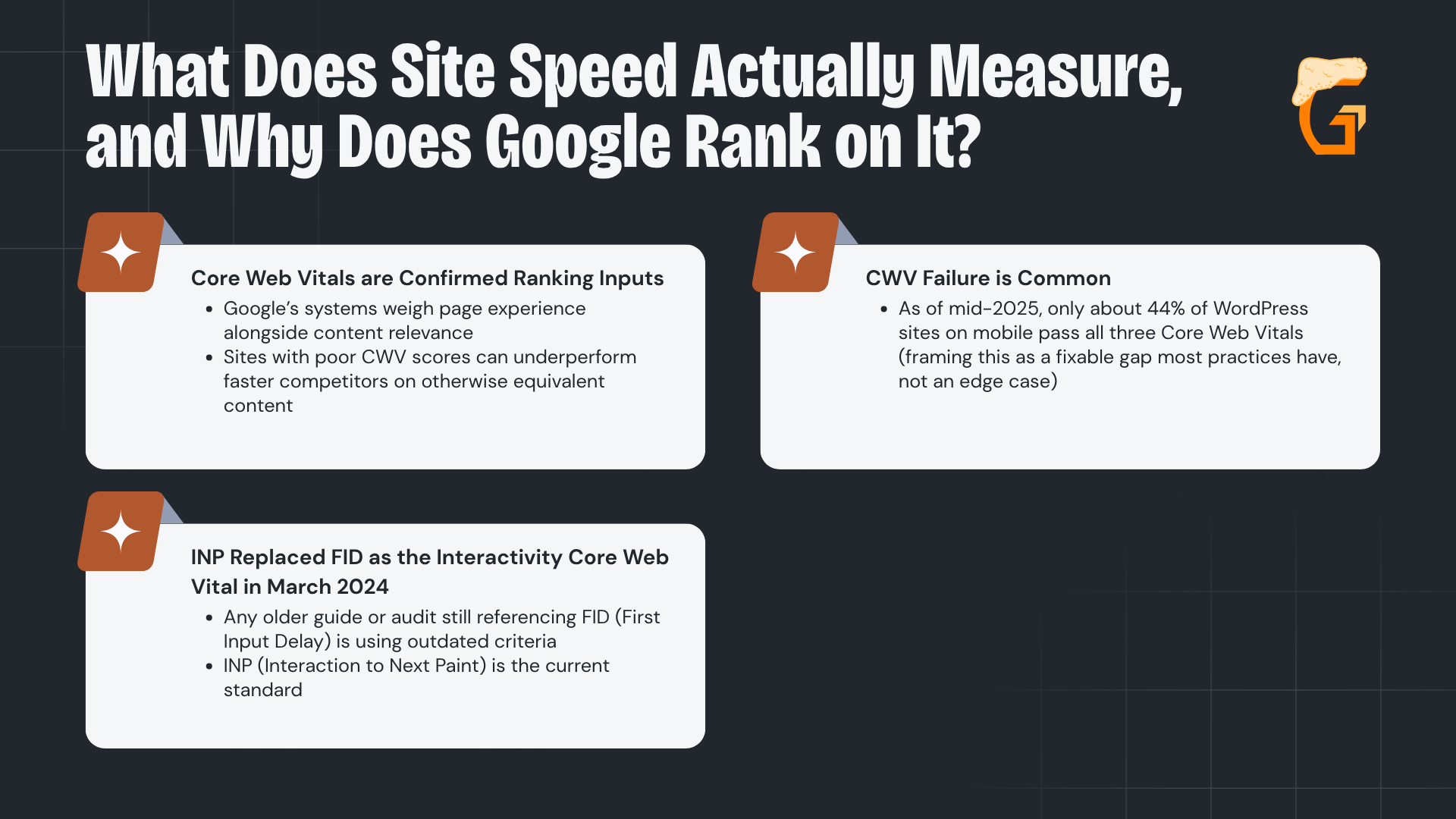
What Does Site Speed Actually Measure, and Why Does Google Rank on It?
Site speed is not a single number, and speed optimization is not a single fix.
It is a composite of page load time, server response time (TTFB), and the three Core Web Vitals that Google uses as page experience ranking signals:
- Core Web Vitals are confirmed ranking inputs: Google’s systems weigh page experience alongside content relevance, and sites with poor CWV scores can underperform faster competitors on otherwise equivalent content
- INP replaced FID as the interactivity Core Web Vital in March 2024: any older guide or audit still referencing FID (First Input Delay) is using outdated criteria. INP (Interaction to Next Paint) is the current standard
- CWV failure is common: as of mid-2025, only about 44% of WordPress sites on mobile pass all three Core Web Vitals (framing this as a fixable gap most practices have, not an edge case)
These are not abstract technical metrics.
Slow loading times are what a poor LCP score produces on mobile.
A poor INP score means clicking “Book Appointment” feels sluggish.
A poor CLS score means content jumps around as the page loads, which can disrupt users with disabilities who rely on assistive tech.
All three affect whether a dental blog keeps visitors engaged long enough to call.
How Do Mobile-First Indexing and Bounce Rate Make Speed the Foundation?
Google evaluates and ranks dental sites based on their mobile performance, where most Google searches now happen.
“Dentist near me” is overwhelmingly a mobile query (the patient searching is on their phone, likely outside or between appointments, and ready to book):
- Slow pages drive patients away before they reach your phone number or booking form: if the page takes more than three seconds to load on mobile, a meaningful share of visitors leave without engaging at all
- Bounce rate rises on slow pages: and patient engagement signals like time on page, form fills, and click-to-call are part of the broader quality evaluation Google performs
- All other SEO investment compounds on top of technical performance: SEO friendly custom content, relevant meta tags, schema markup, and citations deliver less of their potential value when the page won’t load quickly on mobile
A fast site does not guarantee new patients.
Slow loading websites guarantee fewer of them.
What Are the Core Web Vitals Benchmarks for a Dental Website?
Dental websites should set reasonable speed goals:
- LCP under 2.5 seconds;
- INP under 200ms;
- CLS below 0.1; and
- Overall page load under 3 seconds on mobile.
These are the official Google thresholds, not aspirational targets.
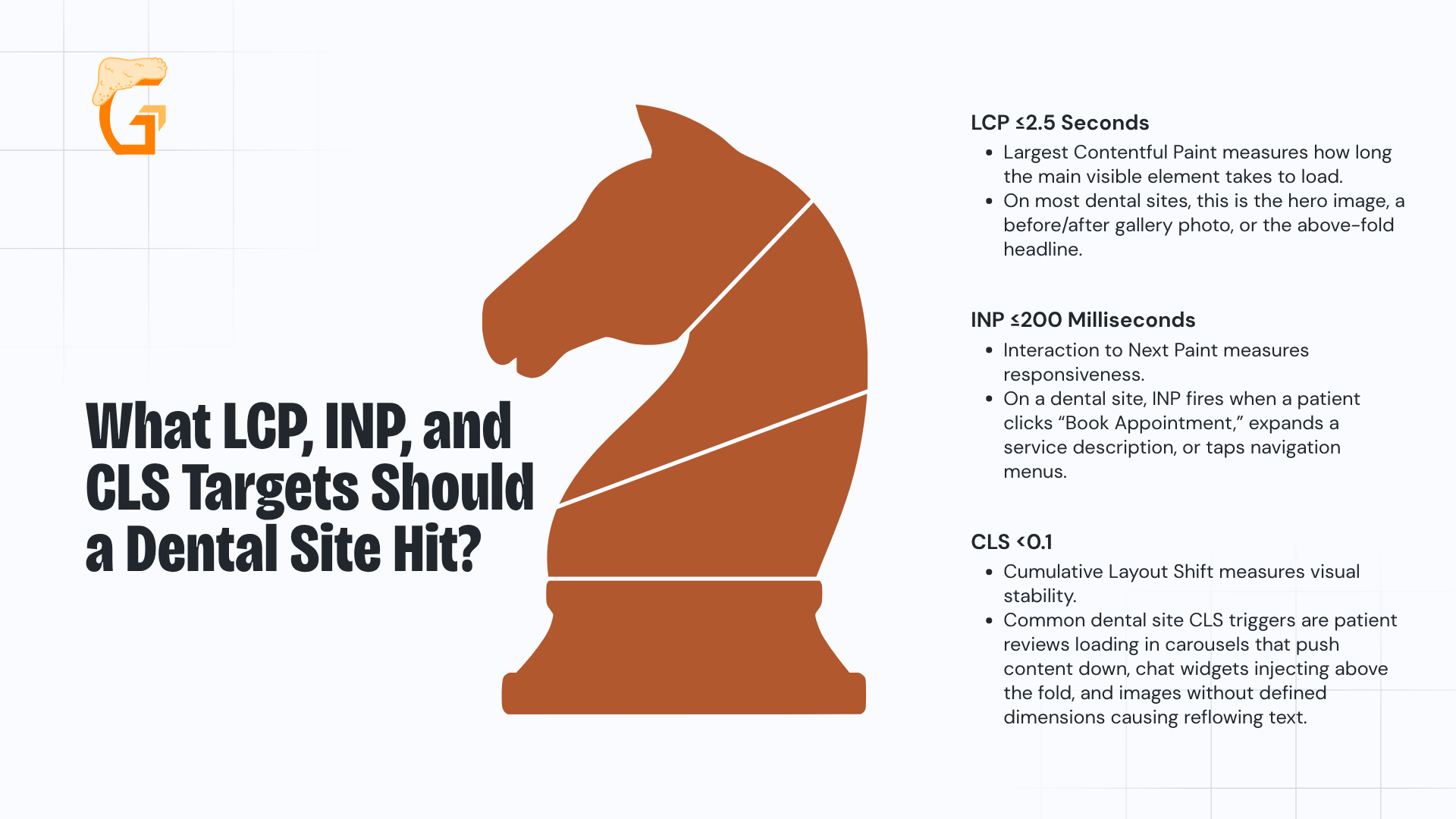
What LCP, INP, and CLS Targets Should a Dental Site Hit?

The three official Core Web Vitals thresholds are:
- LCP ≤2.5 seconds:
- Largest Contentful Paint measures how long the main visible element takes to load.
- On most dental sites, this is the hero image, a before/after gallery photo, or the above-fold headline
- CLS <0.1:
- Cumulative Layout Shift measures visual stability.
- Common dental site CLS triggers are patient reviews loading in carousels that push content down, chat widgets injecting above the fold, and images without defined dimensions causing reflowing text.
- INP ≤200 milliseconds:
- Interaction to Next Paint measures responsiveness.
- On a dental site, INP fires when a patient clicks “Book Appointment,” expands a service description, or taps navigation menus.
INP replaced FID as a Core Web Vital in March 2024.
It is the current interactivity standard (any audit tool or provider referencing FID as an active metric is working from outdated guidance).
How Are the Benchmarks Measured, and What Load and Page-Weight Targets Follow?
A site is classified as “Good,” “Needs Improvement,” or “Poor” based on real user data, not a single lab test.
The rule – a site must meet the “Good” threshold for at least 75% of page views to be classified as passing:
- Performance categories are consistent across PageSpeed Insights, Search Console Core Web Vitals report, and Chrome DevTools:
- Green (Good)
- Orange (Needs Improvement)
- Red (Poor)
- Practical page load targets for dental websites:
- Under 2 seconds on desktop
- Under 3 seconds on mobile
- Page weight at or under 1MB on homepage, service pages, and booking pages
- Patient stakes:
- Speed determines whether a patient reaches the phone number, the hours, and the booking form.
- Those are the conversion points the site exists to deliver.
These are field-data thresholds, so real-user variability matters more than a single Lighthouse score run in a controlled environment.
Growth Saloon gets dental sites under the Core Web Vitals thresholds so a fast page turns visitors into qualified new patient inquiries – not bounces.
Contact our team today to find out how our dental website SEO services can lower your cost per new patient and grow your practice.
What Makes Dental Websites Slow? The Most Common Causes
Most dental websites are slow because of uncompressed image galleries, bloated WordPress themes, too many third-party plugins, and underpowered shared hosting.
These are the causes that account for the vast majority of Core Web Vitals failures on dental sites.
Why Are Images and Page-Builder Themes the Biggest Culprits?
Google’s web.dev guidance on optimizing LCP identifies images as the most common cause of slow loading, and on dental sites oversized images are the single biggest speed problem:
- Hero photos, before/after galleries, and staff portraits often arrive from vendors at 2–4MB with no compression, no WebP conversion, and no lazy loading.
- They are the primary LCP bottleneck on most dental homepages.
- Image compression can reduce dental site image file sizes by 50–75% without any visible quality loss.
- This single fix often produces the largest measurable improvement.
- Heavy page builders (Elementor, Divi, WPBakery) load CSS and JavaScript for every available feature module across the site’s multiple pages (whether those modules are used on a given page or not).
- This adds significant payload to every request.
- Plugin conflicts:
- Running multiple caching plugins simultaneously or stacking conflicting optimization plugins can paradoxically slow a site further by creating redundant or broken caching layers.
Compressing images and reducing theme weight are where the fastest wins live.
Optimizing images is also one of the most controllable fixes.
How Do Hosting, Missing CDNs, and Third-Party Scripts Slow a Site?
Once the visible assets are addressed, the infrastructure layer is the next source of slow load times:
- Shared hosting divides server resources among many websites on the same machine and slows under traffic:
- It frequently lacks HTTP/2, server-side opcode caching, and current PHP.
- All of these raise TTFB (time to first byte), which extends LCP and delays the entire page load.
- No CDN:
- Without a content delivery network, every static asset (images, CSS, JS and video files) is served from a single origin server regardless of where the patient is located.
- A CDN serves those assets from geographically closer nodes.
- Third-party scripts (chat widgets, online booking iframes, carousels of patient testimonials, analytics tags):
- Each of these add DNS lookups, TLS handshakes, and JavaScript execution.
- They are one of the primary causes of poor INP scores on dental sites.
- Render-blocking CSS/JS and unsized images:
- Resources that block rendering delay both LCP and first paint.
- Images without explicit width/height attributes allow the browser to reflow text as images load, directly causing CLS
Cloud or managed WordPress hosting (SiteGround, WP Engine, Kinsta, Vultr) is the recommended path off shared hosting for any dental practice with persistent TTFB or website security issues.
Growth Saloon diagnoses and fixes what’s slowing a dental site down so speed converts into qualified new patient inquiries – not just clicks.
Contact our team today to find out how our dental marketing and copywriting services can lower your cost per new patient and grow your practice.
How’s your SEO going?
Enter your website URL below to get a free comprehensive SEO audit.
The audit includes:
- A scan of your entire website for technical issues
- A list of your top opportunities to target immediately
- Your highest priority fixes to make
How Do You Test and Diagnose a Dental Website's Speed?
Start with Google PageSpeed Insights for mobile and desktop website performance scores, then check Search Console’s Core Web Vitals report for site-wide issues across all templates.
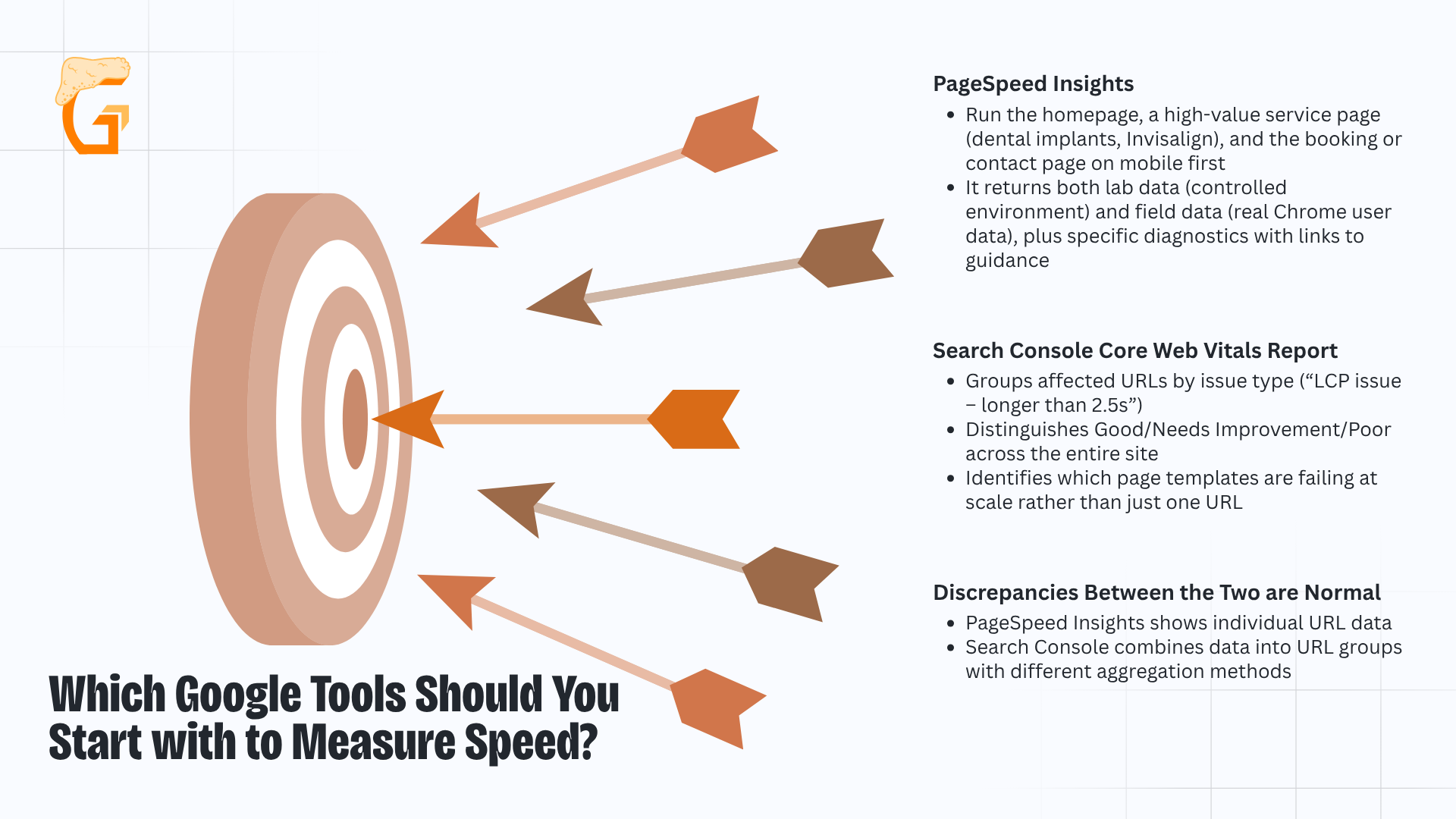
Which Google Tools Should You Start with to Measure Speed?

Both tools are free and cover different levels of diagnosis:
- PageSpeed Insights:
- Run the homepage, a high-value service page (dental implants, Invisalign), and the booking or contact page on mobile first.
- It returns both lab data (controlled environment) and field data (real Chrome user data), plus specific diagnostics with links to guidance.
- Search Console Core Web Vitals report:
- Groups affected URLs by issue type (“LCP issue – longer than 2.5s”) and distinguishes Good/Needs Improvement/Poor across the entire site.
- It also identifies which page templates are failing at scale rather than just one URL.
- Discrepancies between the two are normal:
- PageSpeed Insights shows individual URL data.
- Search Console combines data into URL groups with different aggregation methods.
Both technical SEO tools are required.
PageSpeed Insights diagnoses a specific page.
Search Console identifies which page templates are pulling the entire site’s CWV status down.
How Do You Find the Root Cause and Prioritize Fixes?
Chrome DevTools provides the deeper diagnosis:
- Network tab: shows asset weight and TTFB (sorts resources by size or timing to identify the heaviest assets)
- Performance and Coverage tabs: surface long-running JavaScript tasks and unused CSS/JS loading on every page view
- WebPageTest (webpagetest.org): waterfall analysis, LCP filmstrip view, and first-byte timing (best for identifying exactly where TTFB is lost and which third-party script is blocking the critical path)
- GTmetrix: useful for before/after fix comparisons with historical tracking once fixes are deployed
The workflow:
- Establish a baseline score on three pages;
- Identify the heaviest assets and longest-running tasks that drive up page weight;
- Then, prioritize fixes by which vital they affect.
For our team, this usually translates to:
- Image fixes first (LCP);
- Then, JavaScript deferral (INP);
- Then, unsized-image and widget-reservation fixes (CLS).
Growth Saloon prioritizes the speed fixes that matter most so a dental practice’s site loads fast and converts into qualified new patient inquiries – not just clicks.
Contact our team today to find out how our dental marketing services can lower your cost per new patient and grow your practice.
How Do You Speed Up a Dental Website? Fixes Ranked by Impact
The highest-impact fixes for dental site speed are image optimization, server-side caching, a content delivery network, deferring third-party scripts, and fixing unsized images causing layout shifts.
Ship all these factors in that order.
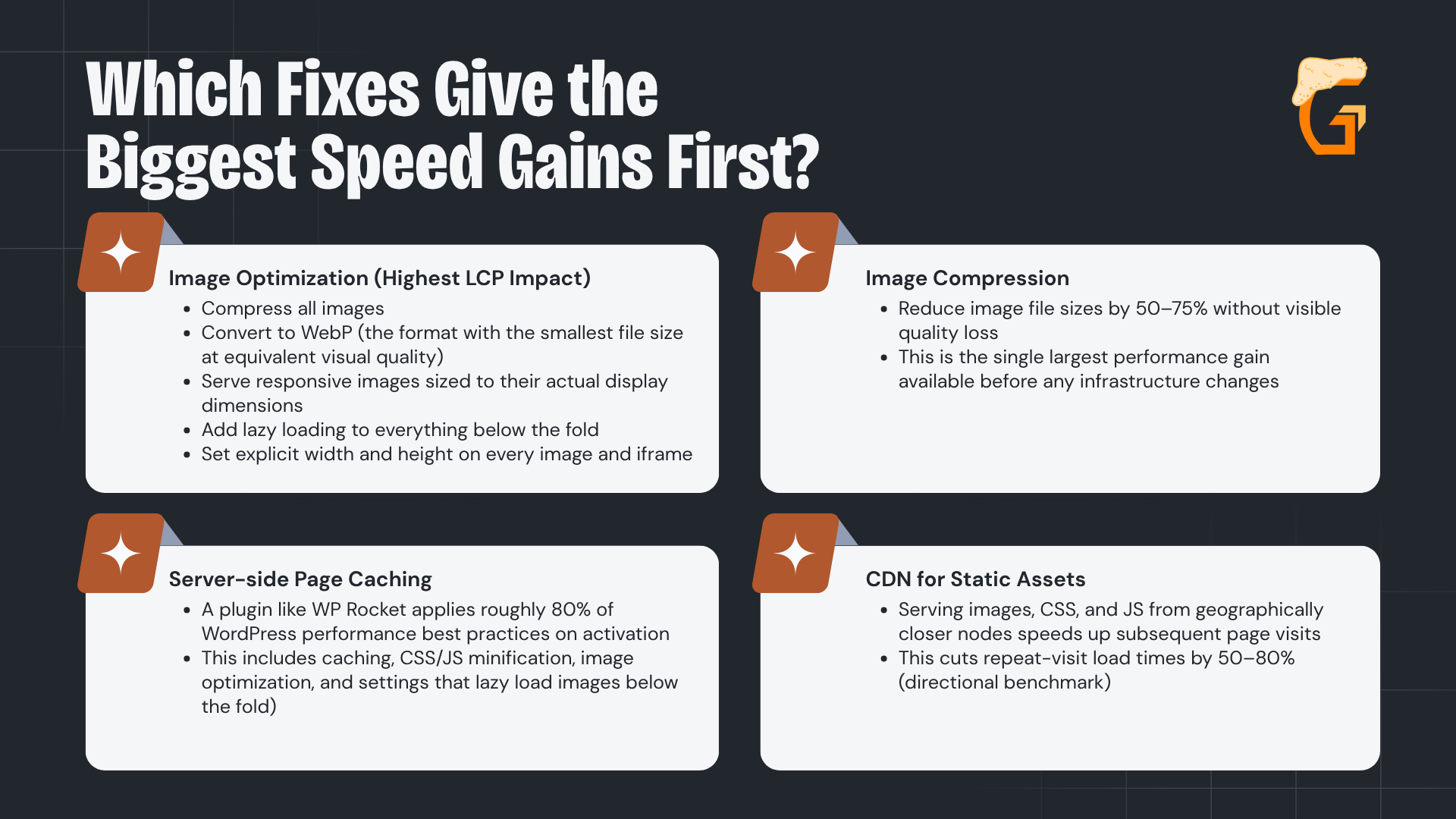
Which Fixes Give the Biggest Speed Gains First?

Image optimization and caching are the highest-leverage fixes for dental sites:
- Image optimization (highest LCP impact):
- Compress all images;
- Convert to WebP (the format with the smallest file size at equivalent visual quality);
- Serve responsive images sized to their actual display dimensions;
- Add lazy loading to everything below the fold; and
- Set explicit width and height on every image and iframe (the last step prevents the CLS caused by images reflowing surrounding content as they load).
- Image compression:
- Reduce image file sizes by 50–75% without visible quality loss (the single largest performance gain available before any infrastructure changes).
- Server-side page caching:
- A plugin like WP Rocket applies roughly 80% of WordPress performance best practices on activation (including caching, CSS/JS minification, image optimization, and settings that lazy load images below the fold).
- CDN for static assets:
- Serving images, CSS, and JS from geographically closer nodes speeds up subsequent page visits, cutting repeat-visit load times by 50–80% (directional benchmark).
Ship images and caching first to lift site performance.
These produce the biggest LCP improvements, eliminate render blocking resources, and carry the least risk of breaking anything else.
How Do You Fix Hosting, JavaScript, and Layout Shift?
Once images and caching are addressed, three more fixes cover the remaining major causes:
- Hosting upgrade:
- Move from shared hosting to managed WordPress (WP Engine, Kinsta, SiteGround, or Vultr) with HTTP/2, opcode caching, and a current PHP version.
- This directly reduces TTFB and improves load speed for all pages.
- Defer JavaScript:
- Remove non-essential plugins and analytics tags entirely, defer or async any that remain, load chat widgets and booking iframes on interaction rather than on page load.
- This eliminates the render blocking and INP delays they cause.
- Simplify the theme:
- The heaviest dental website designs rely on bloated page builders, so replace them with a lightweight base theme and disable unused feature modules.
- This reduces the CSS and JS payload that loads on every single page view, regardless of whether those features are used
- Fix CLS:
- Set explicit width/height attributes on all images and iframes.
- Reserve CSS space for chat widgets and sticky banners before they load so they do not push content down.
Return to PageSpeed Insights after each fix, including enabling browser caching, to verify the improvement before moving to the next step.
Growth Saloon helps dental practices build the kind of digital presence that consistently generates qualified new patient inquiries – not just clicks.
Contact our team today to find out how our dental marketing services can lower your cost per new patient and grow your practice.
How Can Growth Saloon Help Your Dental Practice Grow?
Growth Saloon is a Chicago-based digital marketing agency built to help dental practices attract more patients and grow their practice through performance-driven digital marketing.
Mike Lowe and the Growth Saloon team work with dentists and dental specialists on SEO, web design, conversion rate optimization, and marketing attribution (building a measurable digital presence that generates qualified patient inquiries, not just website traffic).
From ranking for relevant keywords with high local intent to converting site visitors into booked appointments, Growth Saloon’s dental SEO services focus on results at every stage of the patient acquisition funnel.
Practice owners and marketing managers get clear visibility into exactly which channels are driving prospective patients and new patient growth.
We know that every open appointment slot has a real cost.
Every decision we make is built around one outcome (helping your practice fill more of them).
Meet the Founder of Growth Saloon
Meet the founder and lead strategist at Growth Saloon, Mike Lowe:
- As founder and CEO of Growth Saloon, Mike brings years of hands-on experience in SEO search engine optimization, CRO, web design, and marketing attribution for service-based businesses competing in local and regional markets.
- Based in Chicago and working with practices across the country, Mike has built and managed digital growth campaigns for businesses competing in some of the most contested search markets in the country.
- Growth Saloon’s data-driven approach to local SEO, Google Business Profile management, and patient acquisition helps dental practices turn their websites into their highest-performing new patient channel.
What Does Working With Growth Saloon Look Like?
Growth Saloon operates as a dental marketing company that is a dedicated extension of your team – not a vendor that disappears after onboarding.
Every engagement includes direct access to Mike and the team, transparent reporting tied to actual patient acquisition outcomes, and strategies tailored to your specific services and local market.
Whether you’re looking to rank for the valuable keywords behind high-value dental services, improve your site’s appointment conversion rate, or finally get clarity on where your new patients are actually coming from, Growth Saloon builds the strategy and does the work.
Growth Saloon helps dental practices build the kind of digital presence that consistently generates qualified new patient inquiries – not just clicks.
Contact our team today to find out how our dental marketing services can lower your cost per new patient and grow your practice.
How's your SEO going?
Get your free comprehensive SEO audit.
Enter your website URL below to get a free comprehensive SEO audit.
- Scan entire website for technical issues
- Get a list of your top opportunities
- See your highest priority fixes to make
-
Site speed is a page experience signal that affects organic rankings, and slow pages indirectly hurt local search results by increasing bounce rates and reducing on-site engagement signals.
Google’s local pack also considers overall website quality (a consistently slow, poorly performing site can undermine the trust signals, like online reviews, that feed local SEO rankings).
Speed improvements typically benefit both organic and local search traffic.
-
A PageSpeed Insights score of 90 or above (green), which reflects strong user experience, is the target for both mobile and desktop on a dental website.
Scores in the 50–89 range (orange) indicate measurable issues.
Below 50 (red) signals problems actively hurting performance.
Mobile pages matter more than desktop because Google uses mobile performance for indexing and most dental searches are mobile.
-
A CDN does not directly improve SEO on its own, but it reduces page load time and TTFB for users in different geographic areas (which improves Core Web Vitals scores that do feed search engine rankings).
For multi-location or regional dental practices offering local services, a CDN’s biggest benefit is faster load times for patients across the service area, which reduces bounce rates and supports conversions.
-
Core Web Vitals improvements typically appear in Google Search Console’s CWV report within a few weeks of implementation, once Google recrawls the affected pages.
Ranking improvements tied to speed can take 4–12 weeks to reflect in Google’s search results.
Using the URL Inspection tool in Search Console to request recrawling after major fixes can accelerate the timeline.
-
Speed improvements themselves do not hurt your position in search engine results pages.
Faster pages are always preferred by Google and other search engines (like Bing, ChatGPT, Claude, Perplexity, etc).
However, if a theme replacement or major site restructure changes URLs, internal links, or page content, those changes can temporarily affect rankings independent of the speed work.
Always maintain URL structures, preserve on-page content, and implement redirects when restructuring to avoid unrelated ranking disruption.
-
Fix critical speed issues first if Core Web Vitals show Poor status (red) on PageSpeed Insights.
Poor performance actively suppresses both the value of your on page SEO and the Google search rankings it earns.
Once the site loads in under 3 seconds on mobile, content improvements compound more effectively.
If speed is already in the “Needs Improvement” range rather than Poor, content and speed work can proceed in parallel.
Most agencies sell traffic. We sell actual growth. That’s the Growth Saloon difference.
Are you looking to grow?
Recent blogs
Enter your website URL below to get free comprehensive SEO audit.
- Scan entire website for technical issues
- Get a list of your top opportunities
- See your highest priority fixes to make